A Claim, an Input, a Check: A Free AI Video Generator with No Signup Required
October 22, 2026
Last updated: October 23, 2026
A useful tool note should make it possible to tell what you read, what you asked for and what you actually saw. Those three things can sound similar after a few revisions, especially when a product page contains appealing model names or an unlimited allowance.
If you are considering a free AI video generator with no signup required, build a note with three columns before describing any outcome: documented condition, my input intention, and what still needs checking. This article fills that note for an invented scene. No clip was generated or measured for the example.
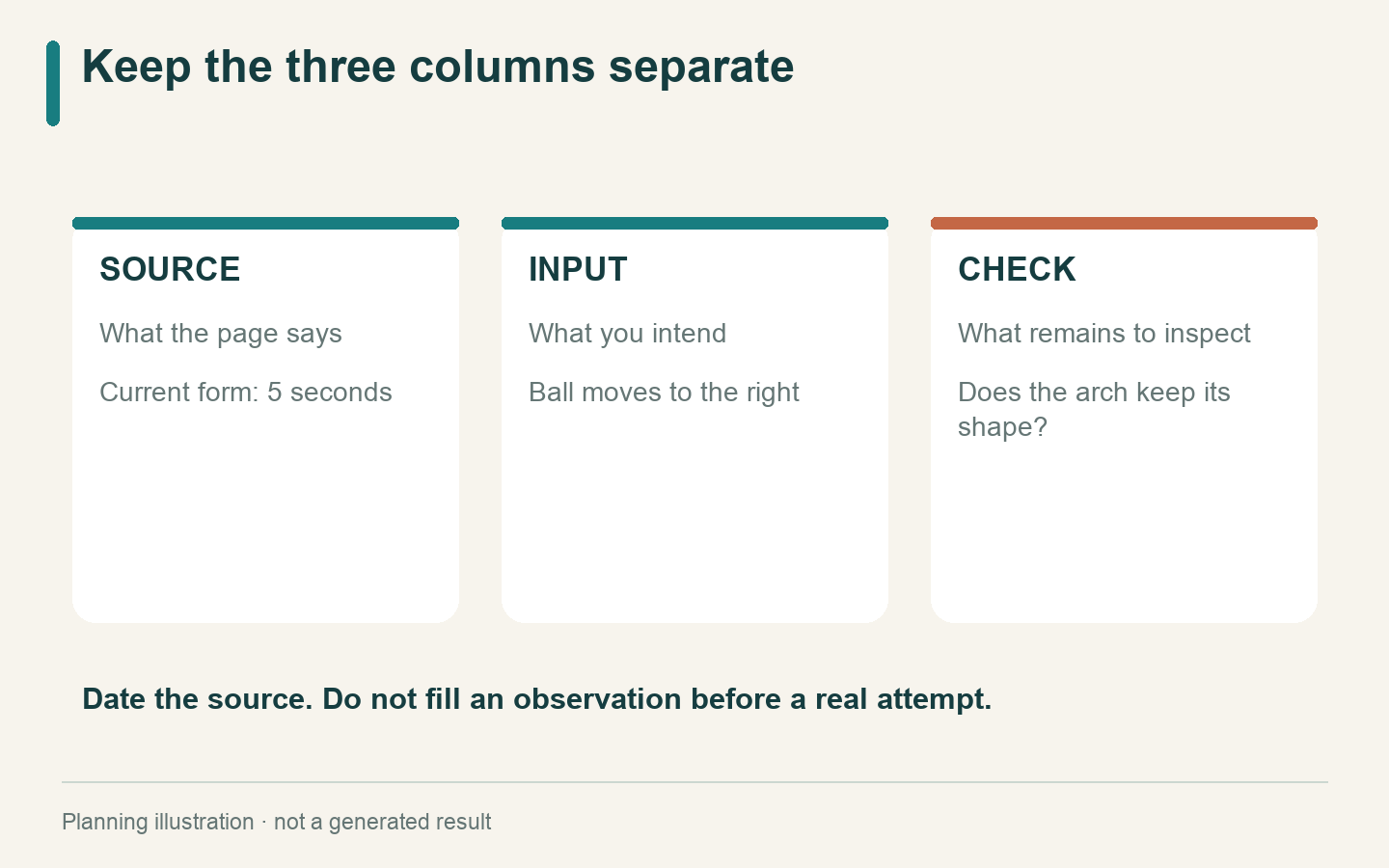
A request and an observation belong in different columns.
Start with a dated condition, not a verdict
A statement such as “the form shows five seconds” belongs to the product description. “The ball passes smoothly through the tunnel” belongs to an observation after playback. One does not prove the other.
On 22 October 2026, the AI VideoWeb free page describes free use without signup and no total generation cap. Its current form shows five seconds and 480p. It accepts text; its image route requires a starting image and an ending image. There is a verification step, and the free queue may involve waiting.
Record the date with those conditions. A future reader can then see which version of the page informed your plan. Do not silently turn the note into a permanent specification for every route on the website.
A compact source entry can be as simple as:
Source checked: AI VideoWeb free generator page, 22 October 2026. Scope: the current free form. Execution: not performed for this note.
The important part is the scope. A statement about the free form should not inherit the specifications of a separate advanced model page.
Put the imagined scene in a different column
For the example, a rust-orange wooden ball moves toward a pale-blue paper tunnel. The intended question is whether the ball can disappear behind the near edge without changing the tunnel’s shape.
Write the intention as an instruction:
A small rust-orange wooden ball rolls slowly from left to right on a cream tabletop toward a pale-blue paper tunnel. The ball passes behind the tunnel’s near edge and is partly hidden at the end. The tunnel stays fixed and keeps the same arch shape. The camera does not move. Soft light remains constant. A continuous five-second scene.
Nothing in that paragraph is a report of success. “Keeps the same arch shape” is a requested condition. It becomes an observation only after someone checks the clip.
If you select image input, prepare two compatible views of this same planned scene. The ending image should express the intended partial concealment, not introduce a different tunnel or a larger ball. Text-only input is another way to explore the invented scene without pretending that a single photograph completes the paired-frame route.
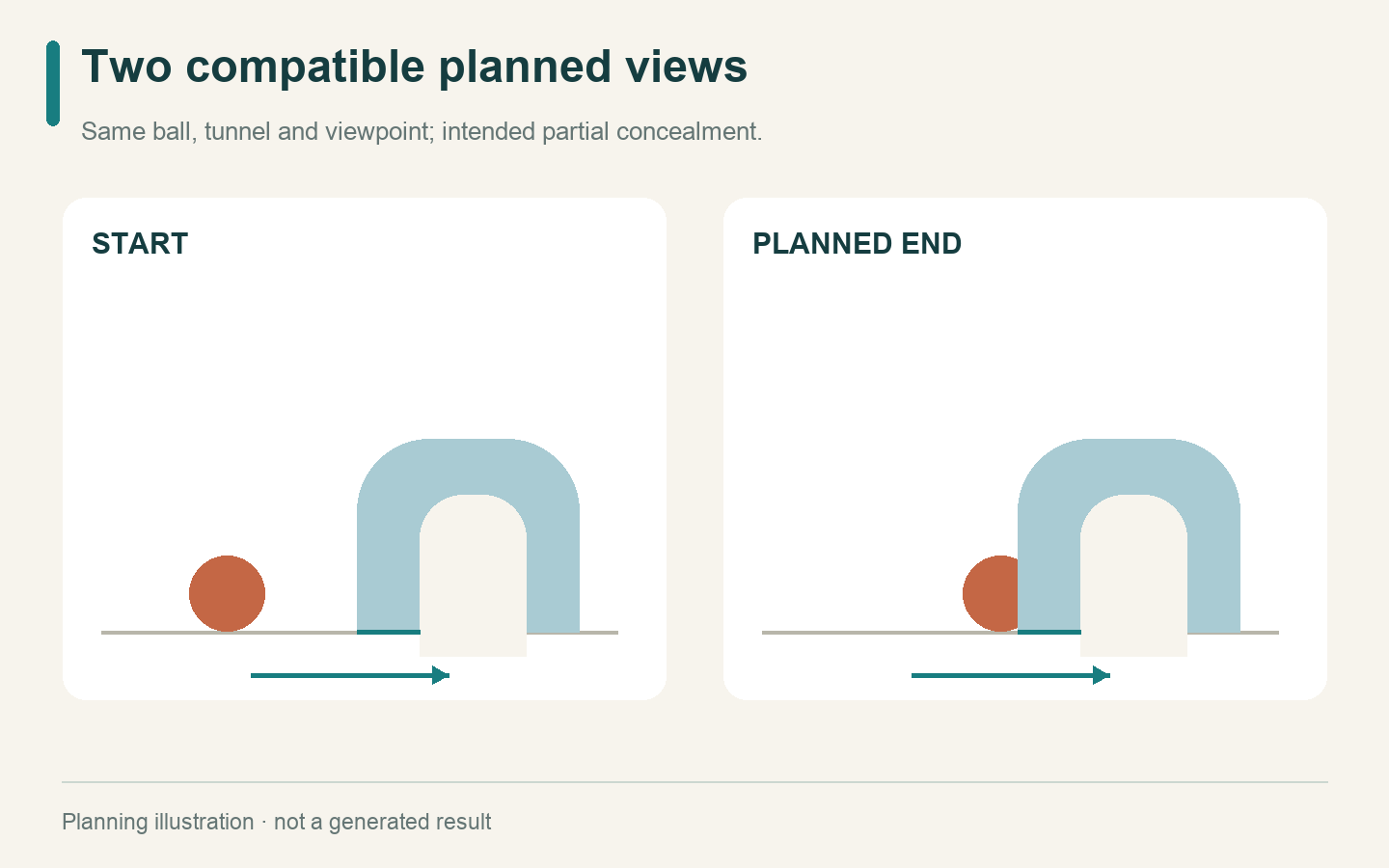
The two views describe an intended action, not generated video frames.
Make the third column answerable
The check column should contain something a reader can inspect. “Cinematic quality” is a preference unless you explain it. “The arch keeps the same outline as the ball moves behind it” is a more specific observation task.
Check 1
Documented condition: Current free form: five seconds
My input intention: One continuous approach to the tunnel
What still needs checking: Does the clip contain an unexpected cut?
Check 2
Documented condition: Text input is available
My input intention: Ball moves left to right; camera stays fixed
What still needs checking: Does the ball move, or does the whole view drift?
Check 3
Documented condition: Image route needs two frames
My input intention: Same ball and tunnel in both planned views
What still needs checking: Are their size and position compatible before submission?
Check 4
Documented condition: Site states no total generation cap
My input intention: Consider another attempt only if needed
What still needs checking: What question would that next attempt answer?
Some checks happen before generation. Input compatibility is one of them. Others require an actual clip. Keep the result cell empty until that evidence exists; “not checked” is more informative than an optimistic adjective.
Keep MiniMax H3 in the source column
AI VideoWeb also has a separate free route labelled MiniMax H3, as well as an advanced MiniMax H3 model page. The label establishes how the site names those pages. It does not, by itself, identify the precise backend version used by the general free form or prove a quality advantage.
If your note mentions MiniMax H3, record which page you read and what it said. Do not write “tested MiniMax H3” unless you actually performed a test and can explain how the model identity was established. A model name cannot fill the observation column for the tunnel scene.
The same reasoning applies to unlimited generations. An allowance concerns the number of attempts the site says it permits. It is not evidence that any particular attempt preserves a ball, a shape or a viewpoint.
Leave a note another person can continue
The AI VideoWeb free AI video generator can supply a candidate clip for this question. The note supplies the context needed to examine it.
After a real attempt, add the prompt you used, the input filenames in your private working copy, and a plain observation such as “ball direction clear; arch changes halfway through.” If you have not run the attempt, write “planning template; no result yet.” Keep those statuses distinct when sharing the note.
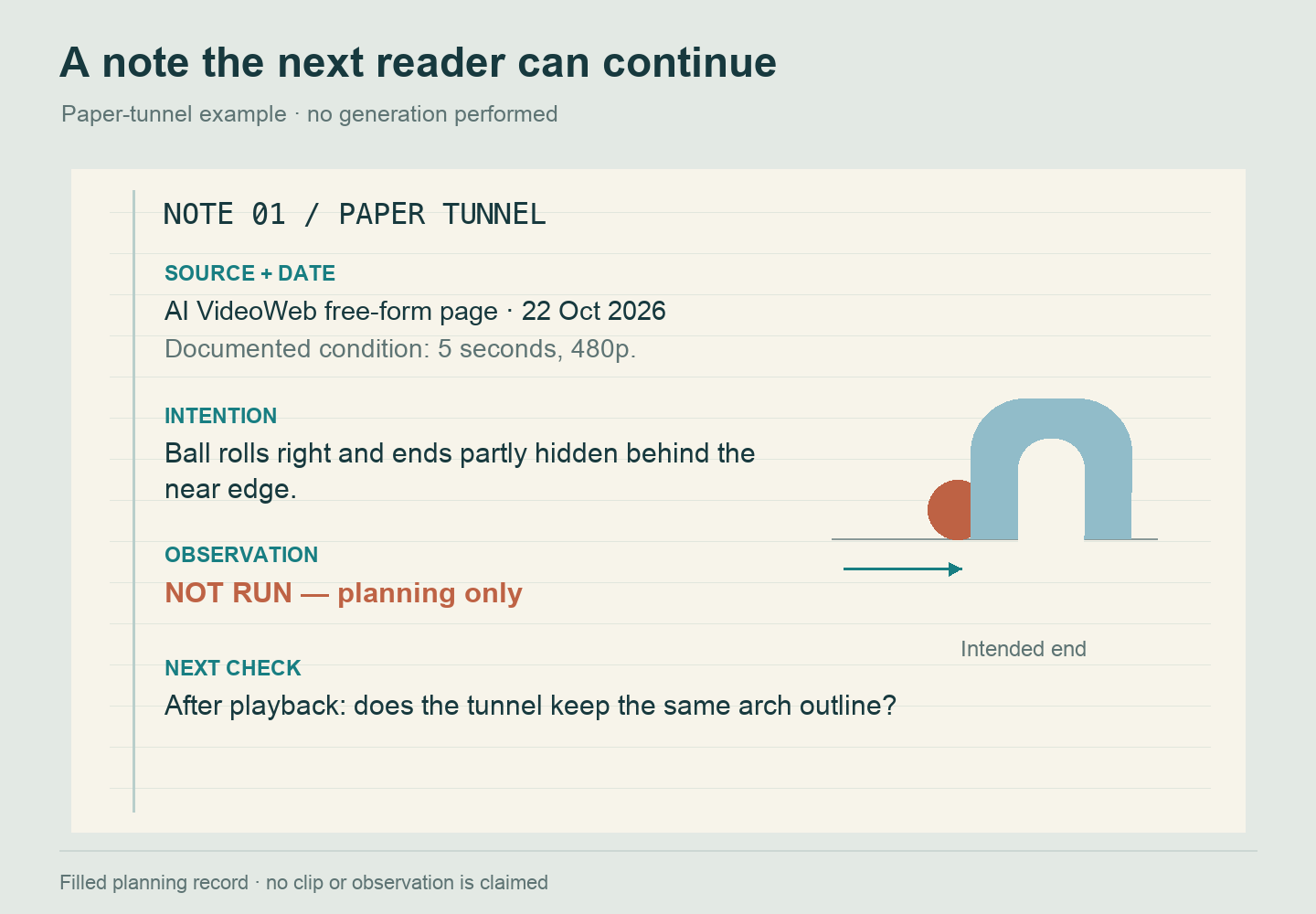
This filled example remains a plan: the source is dated, the movement is intended, and the observation has not been performed.
That small distinction makes the record useful beyond one session. The next reader can challenge a claim, revise an instruction or perform a missing check without first guessing which sentences describe facts and which describe hopes.
Disclosure: This article is provided by the AI VideoWeb team at FLAQ TECH PTE. LTD.